



This article will explain how you can choose between multiple courses.
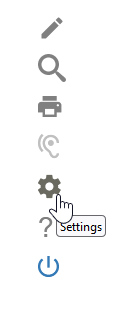
If you are signed up for multiple courses on Courseware/ShiftED, switching in between them is simple. Upon signing in, click on the gear icon (⚙️) to the right of the screen. This will open up your account settings.
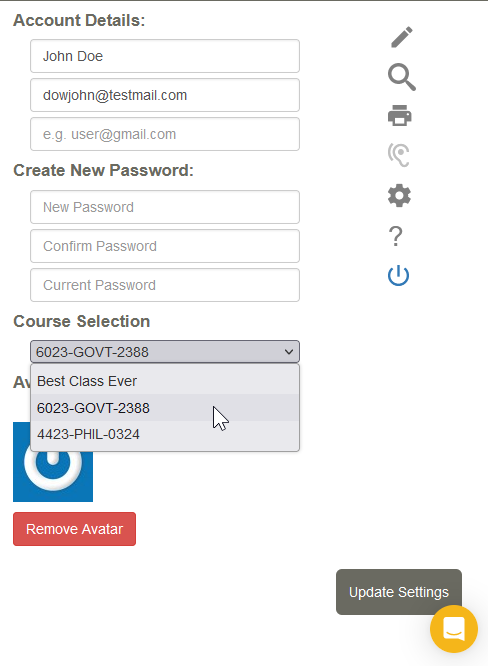
Next, click on the drop-down menu under Course Selection. From here, simply click on the other course you are registered for.
When you are finished, make sure to click on Update Settings.
- Log in to post comments