


Learner Documentation
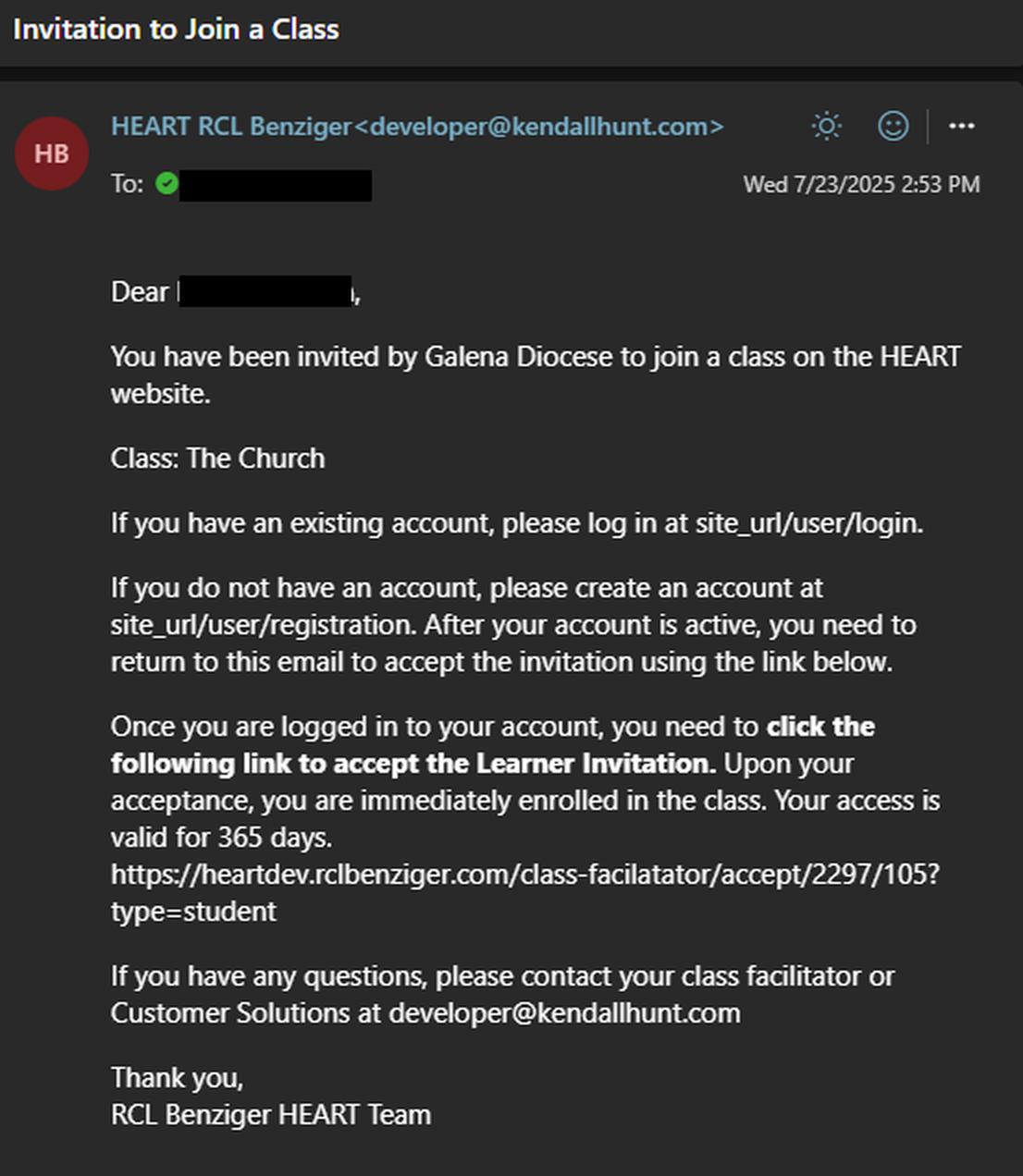
If you are a learner for a class on HEART, you will be emailed an invite link by the Facilitator for the class. This email will inform you to first log into your HEART account if you have one and if you do not have an account then it will inform you to make one. Once logged into your account use the provided link in the email to accept the invite to the class.
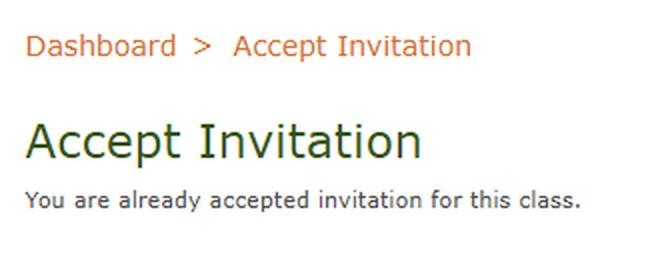
Once you have clicked the link, you will be taken to a screen that will inform you that you have successfully Accepted the invitation.
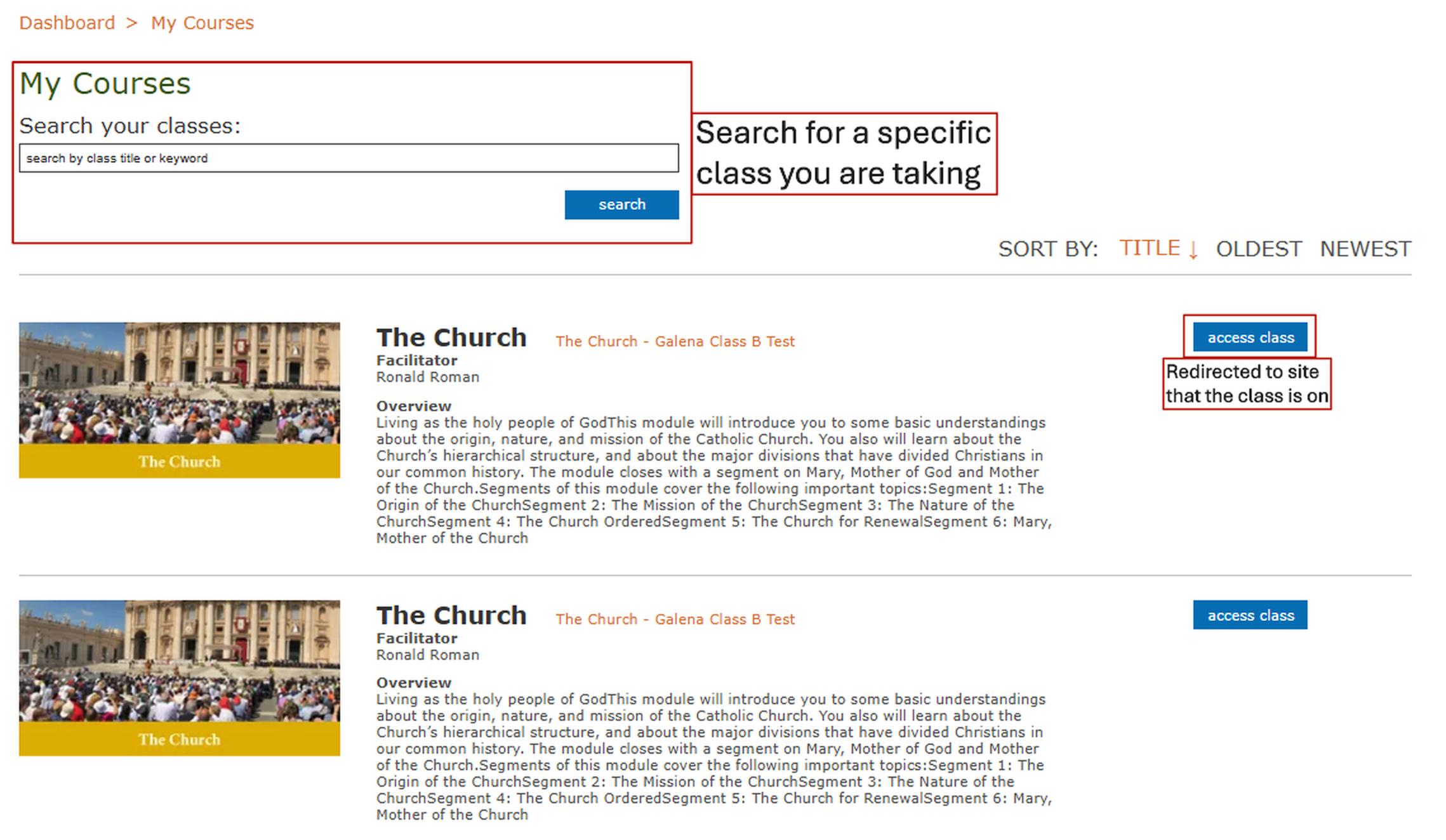
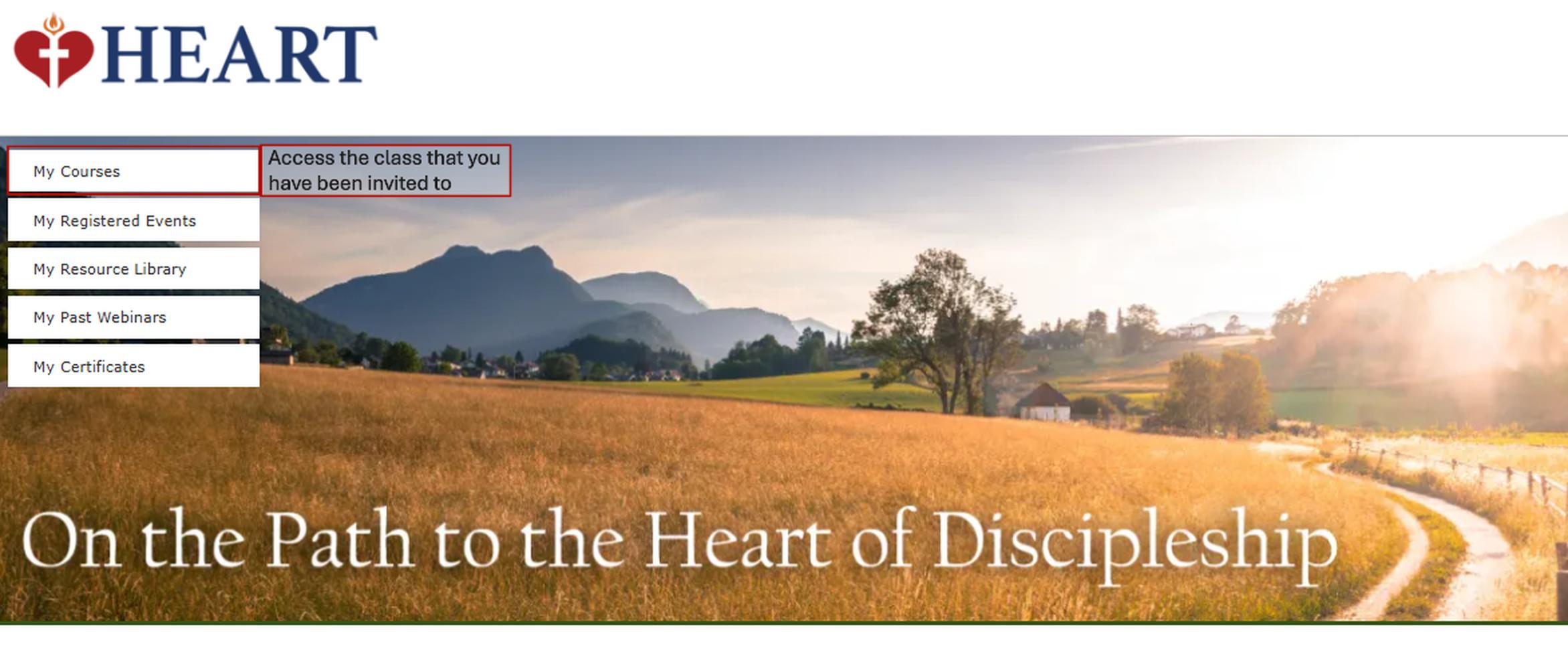
To access your class, return to the dashboard and click on My Courses.
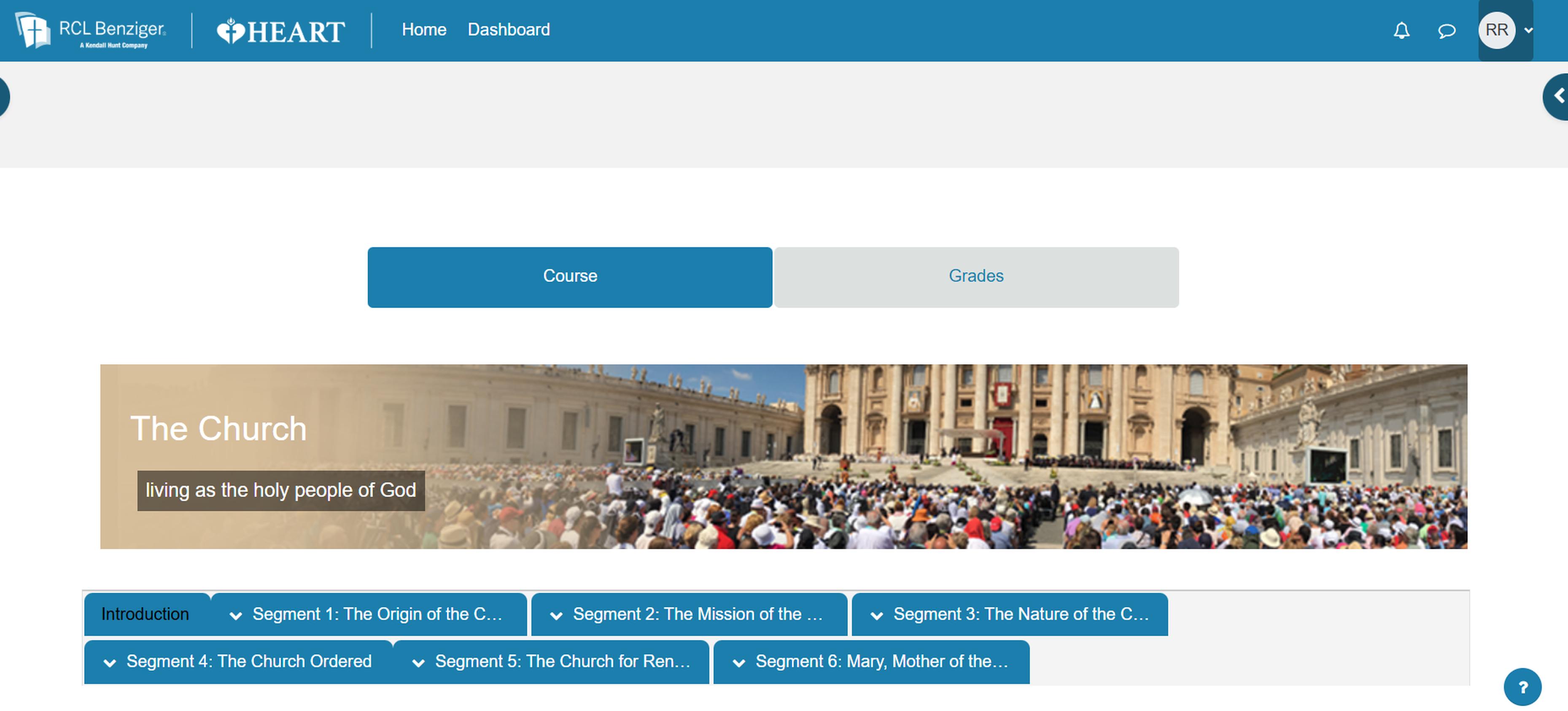
Under My Courses, you can see all the classes in which you are a Learner. To access the class simply click the blue “access class” button. This will redirect you to your class site.