



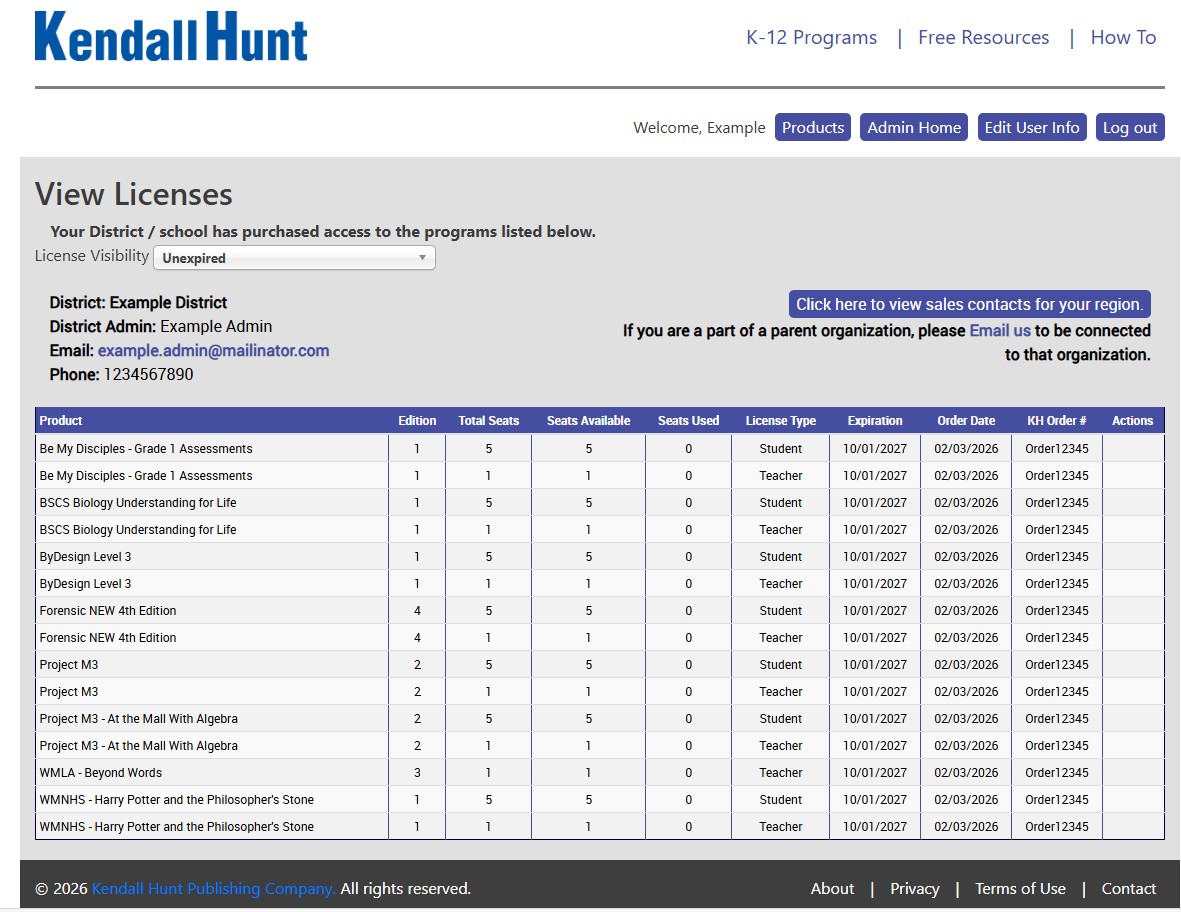
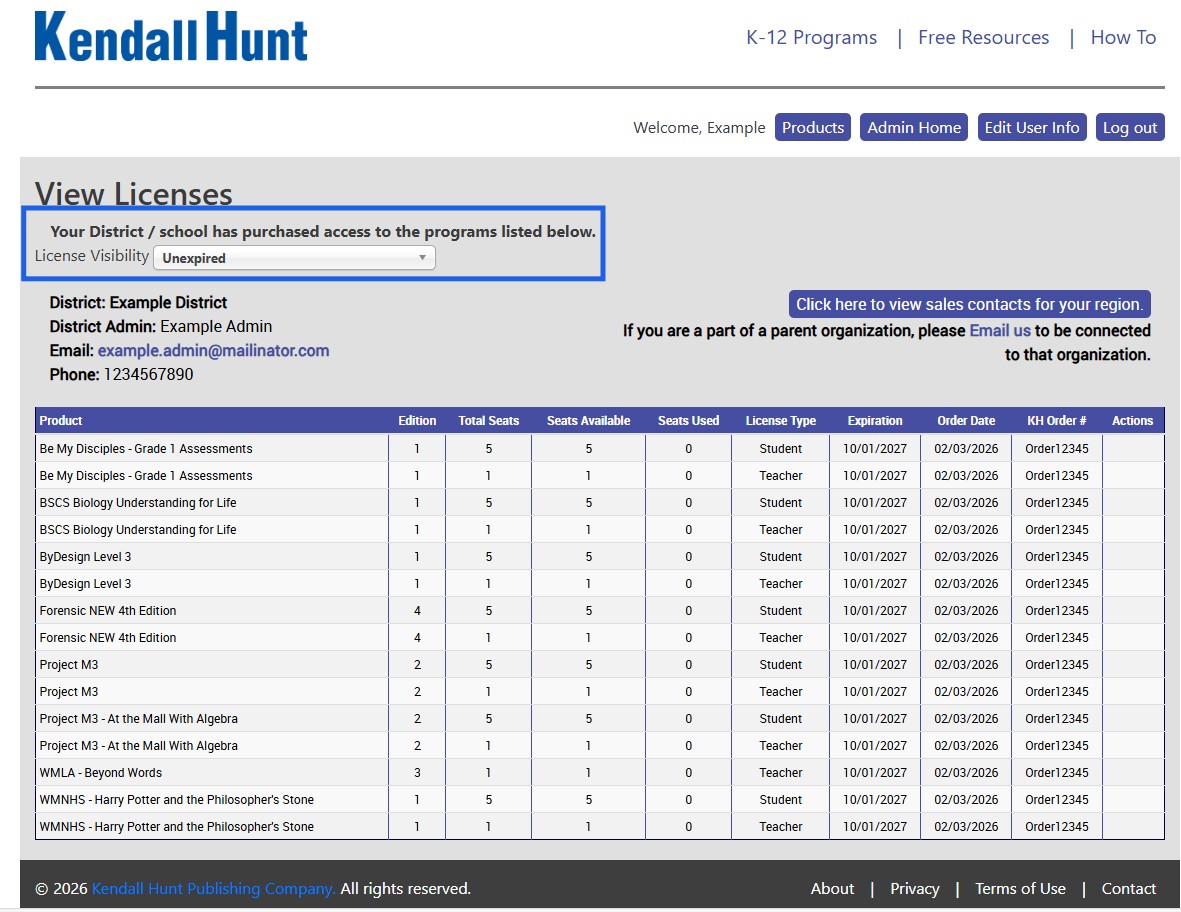
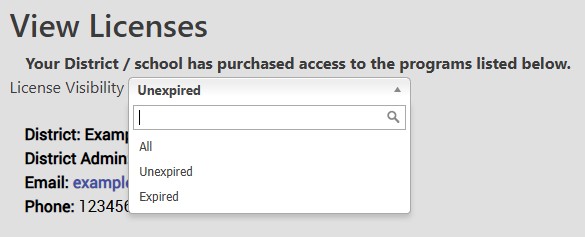
There are a few different ways to view your licenses for the District. You click on the License Visibility drop down box and select which view you want to see. Unexpired is all the licenses that you have that are still active. It will tell you the order number, when the license was purchased, and when it will expire.
The Expired view will show you all the licenses that your school purchased in the past but that are no longer active. And All will show you a combination of both Expired and Unexpired. It is a good way to keep ahead of licenses or going back to see if you want to try some materials again.
Technical Support
Live Chats are available at https://help.kendallhunt.com/k12-customer-support by clicking the "Start a Chat" button and choosing "Technical Support".
Live Chat Hours:
Monday – Friday: 8am – 10pm CST
Saturday: 9am – 9pm CST
Sunday: 9am – 10pm CST
Support Requests through email can be submitted at techsupport@kendallhunt.com.
Contact OnBoarding for help with Clever/ClassLink/Canvas setup.
To find the sales representative for your area, please click here.