



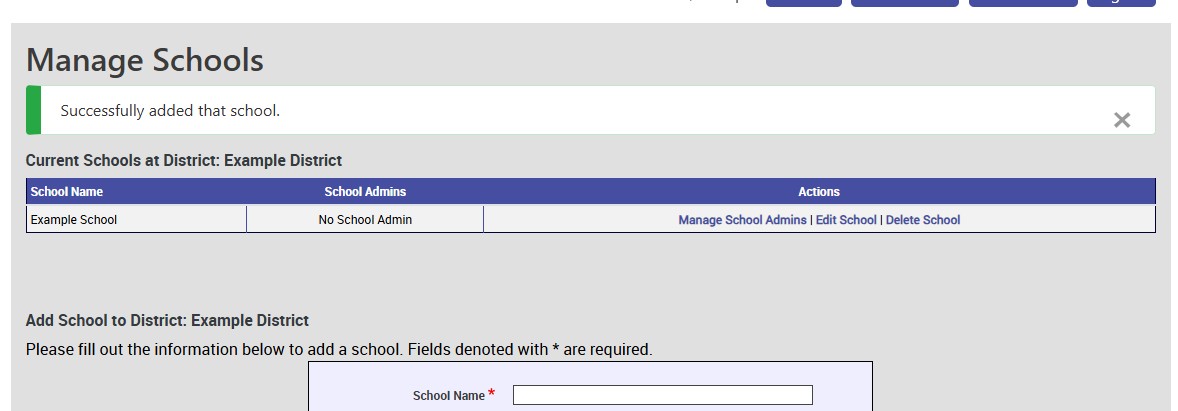
A District must have a School attached to it before Teachers can be added and Classes can be made.
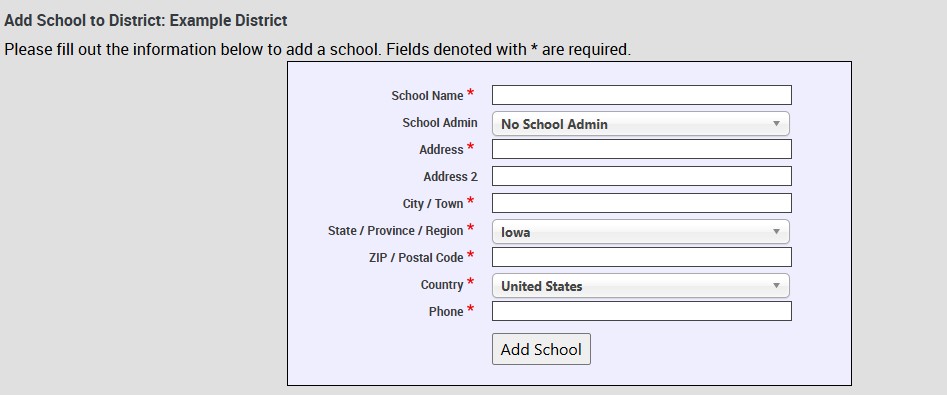
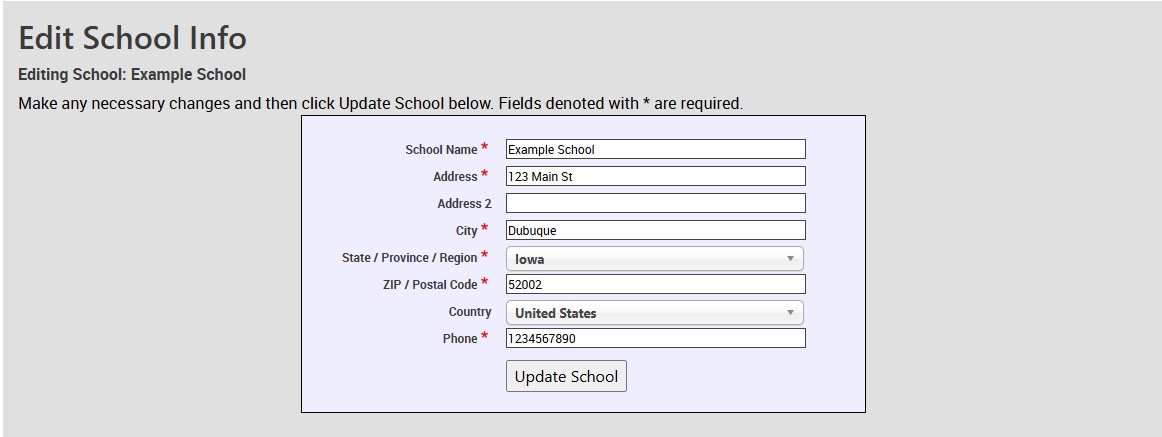
To add a School, you must enter the school name. The School Admin dropdown is if you have someone in the district that you want to make the School Admin such as a Principle, Vice Principle, or other office staff that would be responsible for managing the classes, teachers, and students at that specific school.
Technical Support
Live Chats are available at https://help.kendallhunt.com/k12-customer-support by clicking the "Start a Chat" button and choosing "Technical Support".
Live Chat Hours:
Monday – Friday: 8am – 10pm CST
Saturday: 9am – 9pm CST
Sunday: 9am – 10pm CST
Support Requests through email can be submitted at techsupport@kendallhunt.com.
Contact OnBoarding for help with Clever/ClassLink/Canvas setup.
To find the sales representative for your area, please click here.